

LinkedIn is an online professional networking site that offers significant career exploration benefits by making your professional background widely visible. Think of your LinkedIn profile as “a resume that never sleeps.” Employment recruiters, hiring managers, and others use LinkedIn to enhance their efforts to identify the best talent. LinkedIn allows you to be found by an employer, to search for a job, and to identify contacts that may help you build a network of colleagues. Your profile is the most basic feature of LinkedIn; it allows you to put a face to your name through a profile photo, and to publicize your credentials and other qualifications of interest to potential employers and professional contacts, such as your name, where you earned your degree, where you work now and have worked in the past, and your accomplishments.
Use this checklist to help you create a strong LinkedIn profile! Click each section link for more detailed instructions on how to personalize that section.
- Profile Photo: A high quality, professional head shot with a neutral background is best for your profile photo.
- Headline: Your headline presents a good opportunity to grab people’s attention, because it is among the first things people see when visiting your profile. Use specific key words or terms from your field so that others can readily identify your discipline and role.
- Custom URL: A custom URL makes it easier for employers and connections to find your profile and is easier to include in your resume as well.
- Location and Industry: Choose the industry you’re looking to enter. If you’re interested in specific geographic locations, you can enter that in your search—your profile will appear in employer’s and other’s search results for that location and industry.
- Current Education and Experience: LinkedIn automatically populates these fields based on what you enter into these sections. Use targeted key words and highlight your education, work experiences, and accomplishments.
- About: This section contains your professional qualifications. Describe what motivates you, your accomplishments, and your unique background. Include industry-specific keywords to help you stand out.
- Additional Sections: Use volunteer experience, licenses/certifications, and other similar sections to highlight your additional passions, contributions, and accomplishments.
For more detailed instructions, tips, and information on getting started, check out the links below:
Professional Headshots
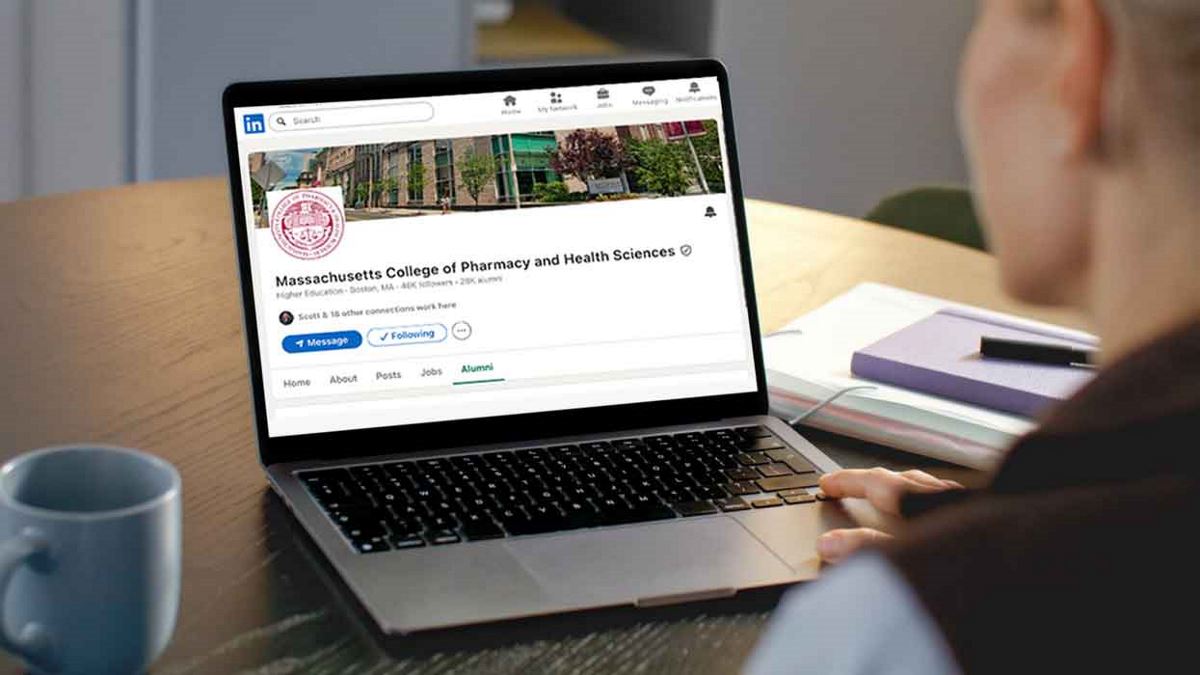
Researching MCPHS Alumni